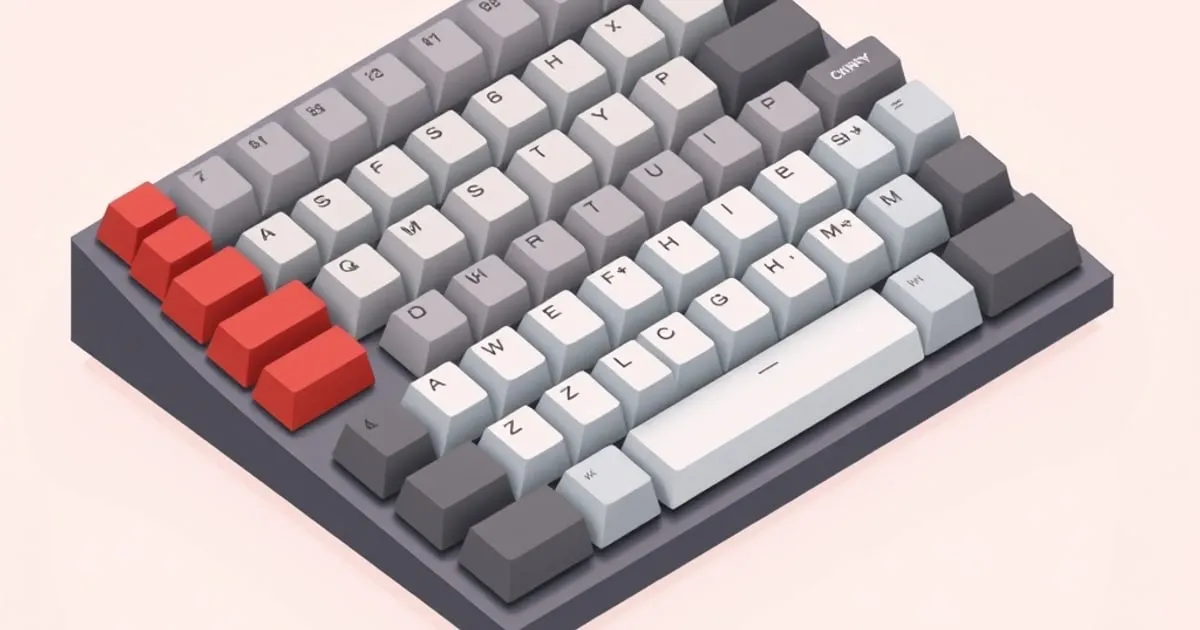
Cherry vs OEM Keycap Profile: What Actually Differs and How to Choose
Cherry and OEM are the two sculpted keycap profiles you will encounter on almost every standard staggered keyboard.
The cherry vs oem keycap profile question comes up constantly when someone is buying their first aftermarket keycap set or replacing caps on a pre-built mechanical keyboard. Both are sculpted, both have cylindrical tops, and in a product photo they look nearly identical. The difference is real, but it lives in millimeters and angles that you feel at your fingertips rather than see at a glance. This guide breaks down what actually separates them, when each makes sense, and how to avoid the one decision trap that catches a lot of newcomers.
What sculpted and cylindrical mean
Before comparing the two profiles, it helps to lock down the vocabulary, because both terms apply equally to Cherry and OEM.
Sculpted means each row is a different height and sits at a different forward-tilt angle. Row 1 (the number row on a standard board) tilts one direction; Row 3 (the home row) is often the tallest; Row 4 (the bottom modifiers) tilts another. This graduated bowl shape is designed so your fingers follow a natural arc rather than reaching flat across a mesa. The opposite of sculpted is uniform, where every row is identical — profiles like XDA or DSA, covered in our keycap profiles overview.
Cylindrical means the top surface of each key curves side to side, like a shallow trough, so your fingertip lands in a slight valley rather than on a flat or spherical dome. The opposite is spherical, where the key curves in all directions like a concave dish — seen on the SA profile.
Cherry and OEM share both of these characteristics. Their family resemblance is genuine. What separates them is height and the degree of sculpt between rows.
Height: the core distinction
This is the number that matters most. OEM profile keycaps reach a maximum height of approximately 11.9 mm, while Cherry profile tops out around 9.3–9.4 mm ↗. That is roughly a 2.5 mm difference at the tallest point — meaningful at your fingertips, essentially invisible in a photo.
| Characteristic | Cherry | OEM |
|---|---|---|
| Max height | ~9.4 mm | ~11.9 mm |
| Top surface | Flatter, broader scoop | Slightly rounder, narrower |
| Row-to-row sculpt | Gentler transitions | Slightly steeper |
| Default on pre-builts | Rarely | Very common |
| Enthusiast/group-buy use | Very common | Less common |
The extra height in OEM means there is more keycap above the switch housing. Some typists perceive this as more travel feel; others find the taller reach to upper rows slightly more work over long sessions. Cherry’s lower stance feels settled and close to the plate — many typists describe it as the profile that gets out of the way.
The row-to-row angle differences are subtler. Akko’s profile comparison ↗ describes Cherry as having a “flat typing angle” relative to OEM’s “slightly steeper” row transitions. In practice this contributes to Cherry’s reputation as a neutral, consistent-feeling profile across all rows.
Sound differences between the two profiles
Height and internal cavity volume affect acoustic output — a taller keycap has more air to resonate. OEM, being taller, tends to produce a slightly deeper, more resonant tone, while Cherry, shorter with less internal space, can lean higher and sharper. Keychron’s comparison ↗ notes this difference, and it is real.
However, sound is easily dominated by other variables: switch type, case material, plate material, PCB mounting, and keycap material and thickness. The Cherry-vs-OEM sound gap is one of the smaller contributors to a board’s overall acoustic character. Do not choose between these profiles primarily for sound.
Typing feel and ergonomics
Neither profile is an ergonomic outlier. Unlike SA — which is tall enough that many typists reach for a wrist rest — both Cherry and OEM sit low enough that most people type comfortably without one. The ergonomic difference between the two is measured in fractions of what you get swapping Cherry for SA.
The feel distinction that shows up in practice:
- OEM has slightly more keycap visible above the switch, which gives some typists the sensation of a longer, more deliberate keystroke. Users coming from a pre-built mechanical keyboard are almost certainly already adapted to OEM; it feels like the default because it is the industry default.
- Cherry is lower, with a touch less reach to top-row keys and a row-to-row sculpt that many typists describe as gentle and unobtrusive. It is the dominant profile in the custom keyboard community for a reason: it is comfortable across a wide range of switch weights and typing styles without imposing any strong sensory signature of its own.
The adaptation cost of switching between the two is low. Most people report feeling at home on the new profile within a day. If you can borrow a board in each profile before committing, do — fingertip confirmation beats spec-reading.
Availability and selection
This practical reality often settles the choice before feel preferences do:
Cherry is the standard for aftermarket enthusiast keycap sets and group buys. The majority of premium PBT dye-sub and ABS doubleshot sets are produced in Cherry. If you want a specific colorway from a boutique vendor, the odds are high that it exists in Cherry and may not exist in OEM at all. The custom keyboard ecosystem is built around Cherry.
OEM is ubiquitous at the entry level and on pre-built keyboards. Budget replacement sets, stock caps from major keyboard brands, and cheap aftermarket PBT blanks are often OEM. Selection at the enthusiast tier is thinner.
The practical takeaway: if you are shopping for a specific colorway or themed set, you will probably find it in Cherry. If you are replacing worn-out stock caps on a pre-built or buying the cheapest possible keycap set, you will probably encounter OEM.
Which profile should you choose?
Choose Cherry if:
- You are buying from the custom keyboard aftermarket (selection strongly favors Cherry)
- You prefer a lower, more settled typing position
- You have no strong existing preference — Cherry is the neutral starting point most hobbyists recommend
Choose OEM if:
- The specific set you want only comes in OEM
- You prefer slightly taller keycaps and are already adapted to them
- You are replacing caps on a pre-built that shipped with OEM and you liked the feel
Skip the agonizing if you are deciding between Cherry and OEM for the first time: both are comfortable sculpted profiles with cylindrical tops and ergonomic row sculpting. The height gap is real but modest, and the switching cost is minimal. The choice that matters far more at the start is legend method (doubleshot vs dye-sub) and kit coverage for your layout.
Sources
- OEM vs. Cherry Profile: Which Should You Choose? ↗ — Keychron’s comparison of height, feel, and use-case guidance for both profiles.
- SA vs DSA vs OEM vs Cherry vs XDA Profiles ↗ — Switch and Click’s five-profile overview with height measurements for Cherry (~9.4 mm) and OEM (~11.9 mm).
- Cherry vs. OEM Profile Keycaps ↗ — Akko Gear’s technical breakdown of angle, height, and sound differences between the two profiles.
Sources
KeycapCompare — in your inbox
Every profile, material, and colorway — explained. — delivered when there's something worth your inbox.
No spam. Unsubscribe anytime.
Related

Cherry vs OEM Profile: How to Pick the Right Keycaps
Cherry vs OEM keycap profile, compared: exact height difference, top shape, sound, feel, and a clear rule for which sculpted profile to pick for your keyboard.

Keycap Profiles Explained: Cherry, OEM, SA, DSA, XDA, KAM
A clear breakdown of the main keycap profiles — sculpted vs uniform, tall vs short — and how Cherry, OEM, SA, DSA, XDA, and KAM actually differ in feel

SA Profile Deep-Dive: The Tall, Sculpted, Polarizing Classic
Everything about SA keycaps — the tall spherical sculpted profile: row structure, the typing-posture learning curve, sound character, and who SA is